Video editing terms are a working vocabulary, not trivia, and this glossary defines the ones editors actually say, one line each. The film editing terms and the YouTube-era ones live together here because timelines don't care which tradition a word came from. Terms with their own deep-dive page are linked. Everything else is the one line you need.
Cuts and transitions
- Jump cut. A cut between two shots of the same framing, making the subject appear to jump in time.
- Match cut. A cut joining two shots that share a shape, composition or motion, so the transition carries meaning.
- J-cut. The next shot's audio starts before its picture appears.
- L-cut. The previous shot's audio continues under the new picture.
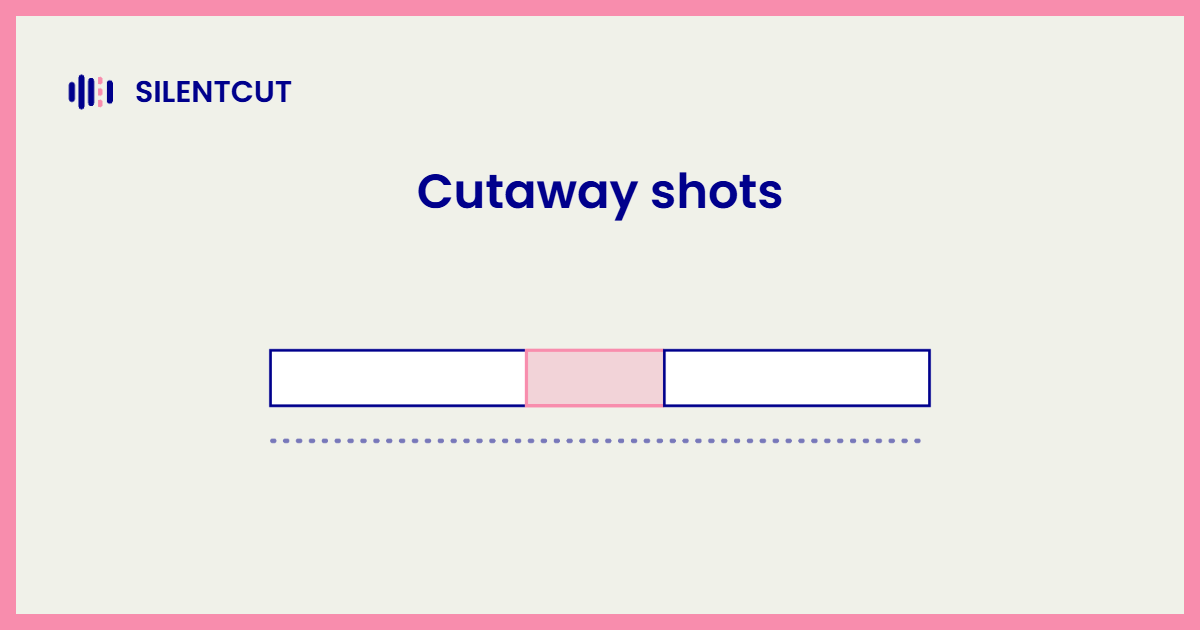
- Cutaway. A brief interruption of the main shot with related footage while the audio continues.
- Smash cut. An abrupt cut between two contrasting scenes, timed for impact.
- Cross-cut. Alternating between two scenes happening at the same time.
- Cut on action. Cutting mid-movement so the motion hides the edit.
- Hard cut. A plain instant cut with no transition, the default of all editing.
- Dissolve. One shot fades out while the next fades in, overlapping.
- Wipe. The next shot pushes the previous one off screen along a line or shape.
- Fade in / fade out. A shot emerging from or sinking into black.
- Whip pan. A fast camera pan blurred enough to hide a cut inside it.
- Ken Burns effect. A slow pan and zoom across a still image, giving a photograph the feel of a moving camera.
- Split edit. Any edit where audio and video cut at different points, the family containing J-cuts and L-cuts.
Footage and coverage
- A-roll. The primary footage carrying the story and its audio.
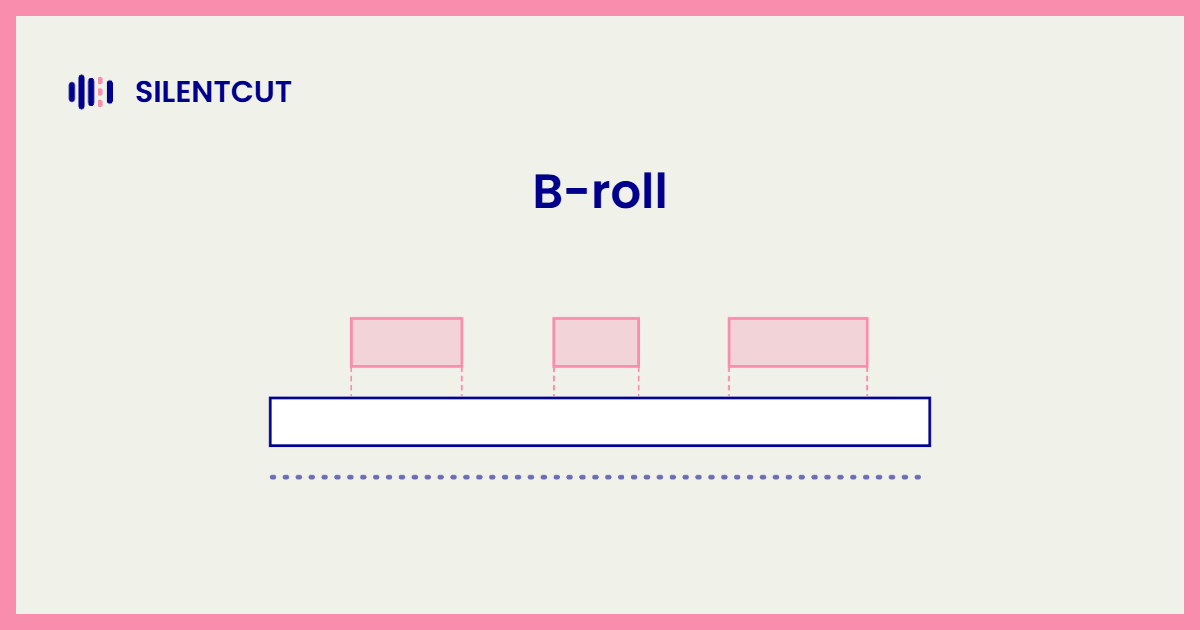
- B-roll. Secondary footage cut away to while the main audio continues.
- Coverage. All the angles and shot sizes captured of a scene, the editor's raw choices.
- Master shot. A single wide take covering an entire scene end to end.
- Insert. A tight detail shot of something inside the scene, a hand, a note, a screen.
- Reaction shot. A shot of someone responding rather than acting, often what an L-cut reveals.
- Establishing shot. A wide shot that tells the audience where the scene lives.
- POV shot. A shot framed as a character's own view.
- Talking head. A framed person speaking to camera, the internet's default shot.
- Take. One recorded attempt at a shot or line.
- Selects. The takes marked as keepers during review.
- Dailies. The raw footage from a shooting day, reviewed before editing.
Workflow and stages
- Rough cut. The first watchable version of an edit, right pieces, right order, no polish.
- Assembly cut. Every usable clip in story order before judgment, the stage before the rough cut.
- Stringout. Every take laid end to end for review, before any choices.
- Fine cut. A rough cut after pacing iterations, approaching final.
- Final cut / picture lock. The finished edit; picture lock means no more timing changes.
- The cleanup pass. Removing silence, filler words and dead takes before creative editing, the pass SilentCut automates.
- Dead Air Ratio. The percentage of a video's runtime that is silence.
- NLE. Non-linear editor, any modern editing application, Premiere Pro and DaVinci Resolve being the big two.
- Timeline. The horizontal arrangement of clips over time inside an NLE.
- Trimming. Adjusting where a clip starts or ends on the timeline.
- Ripple edit. A trim that shifts everything after it to close or open the gap.
- Roll edit. Moving the cut point between two clips without changing total length.
- Slip edit. Changing which part of a clip plays without moving the clip.
- Markers. Flags placed on the timeline to note moments for later work.
- Proxy. A lightweight copy of heavy footage edited in place of the original.
- Conform / relink. Reconnecting an edit to its original high-quality media.
- Round-trip. Sending work between applications and back, the workflow XML handoffs exist for.
- XML / EDL / AAF. Interchange formats that describe an edit so another application can rebuild it.
Audio terms
- Dead air. Silence in a recording where speech was expected.
- Filler words. The ums, uhs and likes that pad spoken sentences.
- Room tone. The sound of a quiet room, recorded to patch audio gaps invisibly.
- Scratch audio. Temporary sound used while editing, replaced before delivery.
- Sync. The alignment of audio with picture, and the crisis when it drifts.
- Ducking. Automatically lowering music under speech.
- Crossfade. A short audio dissolve smoothing the join between two clips.
- Peaking / clipping. Audio recorded too loud, distorting past recovery.
- Loudness normalization. Matching perceived volume across clips or to a delivery standard.
- VO. Voice-over, narration recorded separately and laid over picture.
Delivery and technical
- Frame rate. Frames per second, the granularity every cut lives on.
- Resolution. Pixel dimensions of the delivered video, 1080p and 4K being the common asks.
- Aspect ratio. The frame's shape, 16:9 for landscape platforms, 9:16 for vertical.
- Codec. The compression scheme a video file uses, H.264 being the everywhere one.
- Bitrate. How much data per second the file spends, quality's budget.
- Export / render. Producing the final file from the timeline.
- Color correction. Making footage accurate and consistent.
- Color grade. Making footage feel a deliberate way, applied after correction.
- LUT. A look-up table applying a color transformation in one step.
- Keyframe. A stored value at a moment in time, animation's atom.
- Safe margins. The frame edges where platforms may crop or overlay UI.
- Captions / subtitles. Text of the speech, burned in or delivered as a sidecar file.
Every deep-dive linked above goes further, and the vocabulary keeps growing where the work does. The cleanup terms in particular, dead air, filler words, the cleanup pass, describe the hours SilentCut exists to give back.