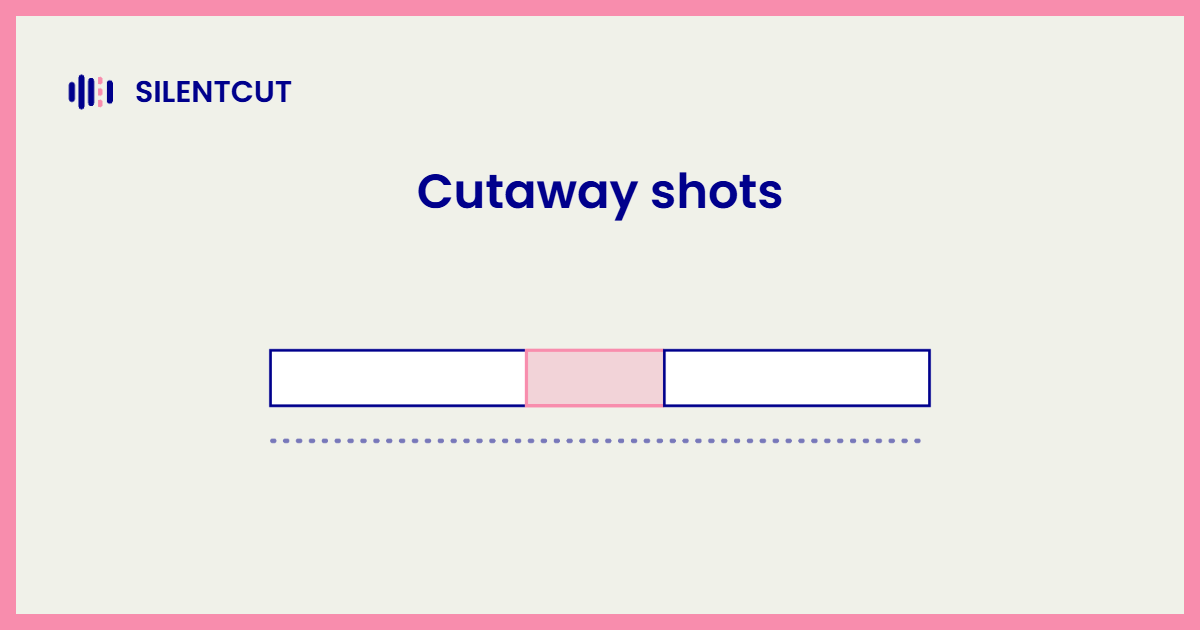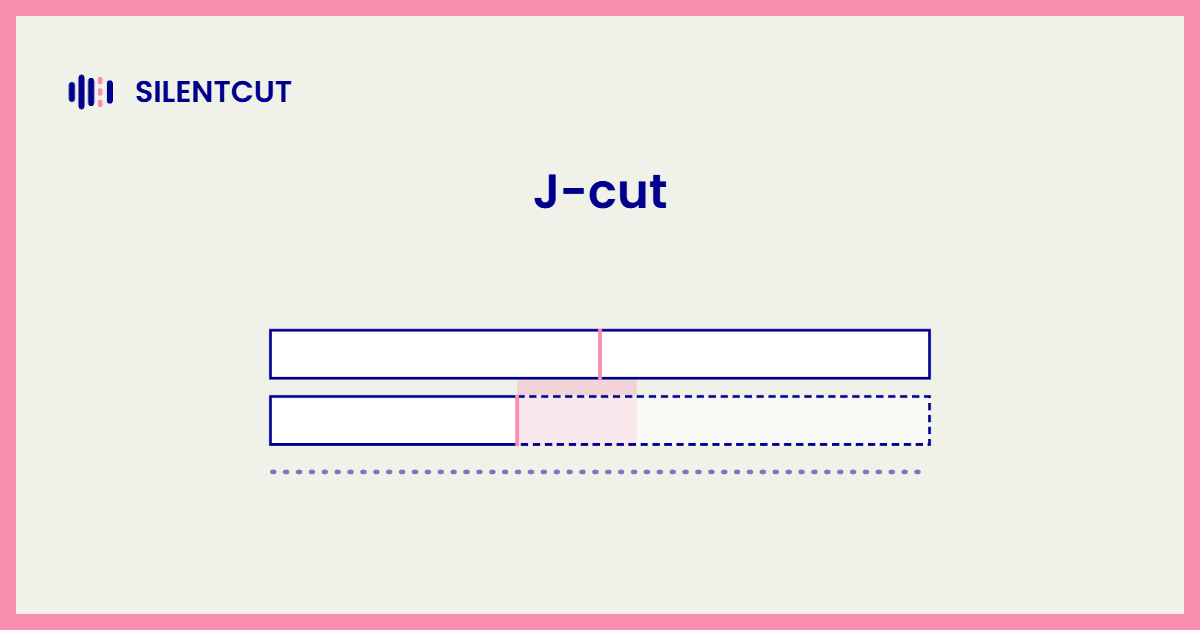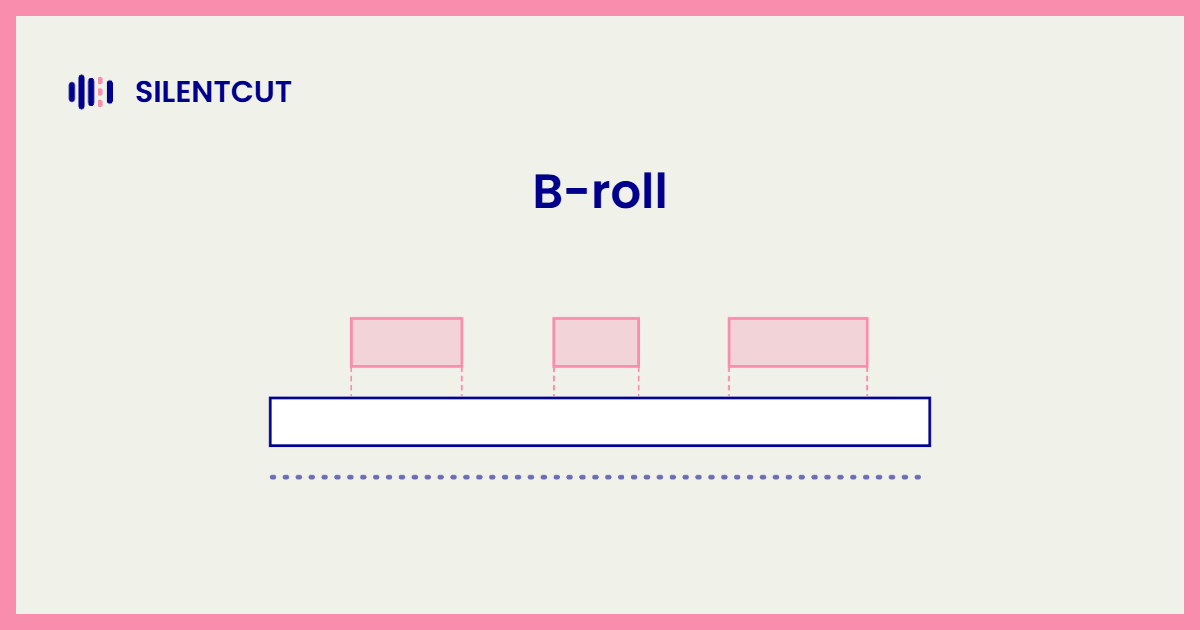
B-roll is the secondary footage a video cuts away to while the primary footage's audio keeps playing. The interview keeps talking, the picture shows the workshop. That's the b roll meaning in one line, and the name is old newsroom inheritance. The A-roll was the main reel, the B-roll was everything shot to cover it. The diagram below is the entire concept.
The A-roll lane never stops, the audio never stops, and the b-roll footage sits above, covering stretches of the picture. What does b roll mean in practice? It means the viewer hears one continuous story while seeing whatever serves that story best.
What counts as b-roll footage
Anything that isn't your primary shot is b-roll when it's used as cover. Close-ups of hands working, the exterior of the building, screen recordings, product shots, the second angle of the same interview. The b roll definition is about role, not content. The same clip is A-roll in one edit and b-roll in another, depending on whether its own audio leads or another shot's audio plays underneath it.
What b-roll is actually for
B-roll does three jobs, and the third is the one nobody says out loud. It adds information, showing the thing being talked about. It adds texture, giving the eye variety during long stretches of talking. And it hides cuts. Every jump cut you'd rather not show disappears under two seconds of b-roll, because the viewer can't see a seam in footage that isn't on screen. Working editors cut the talk tight first, then lay b-roll over the joins they want invisible. That order matters, and it's why the cleanup pass comes before the pretty pass.
How much b-roll do you need
Less than beginners shoot and more than they use. The practical answer is driven by your cut points, since every seam you want hidden needs cover, plus a shot wherever the talking runs long. For talking-head work, tighten the edit first, cutting the silence, fillers and dead takes, and the surviving cut points tell you exactly where b-roll earns its place. That first pass is the job SilentCut automates with Silence Remover and friends, in the browser or inside Premiere Pro and DaVinci Resolve, so the b-roll decisions get made against the real cut, not the raw one. On sourcing, shot-it-yourself beats stock, stock beats nothing, and the new ai b roll generator tools can fill a gap, though generated cover reads generic faster than real footage does.