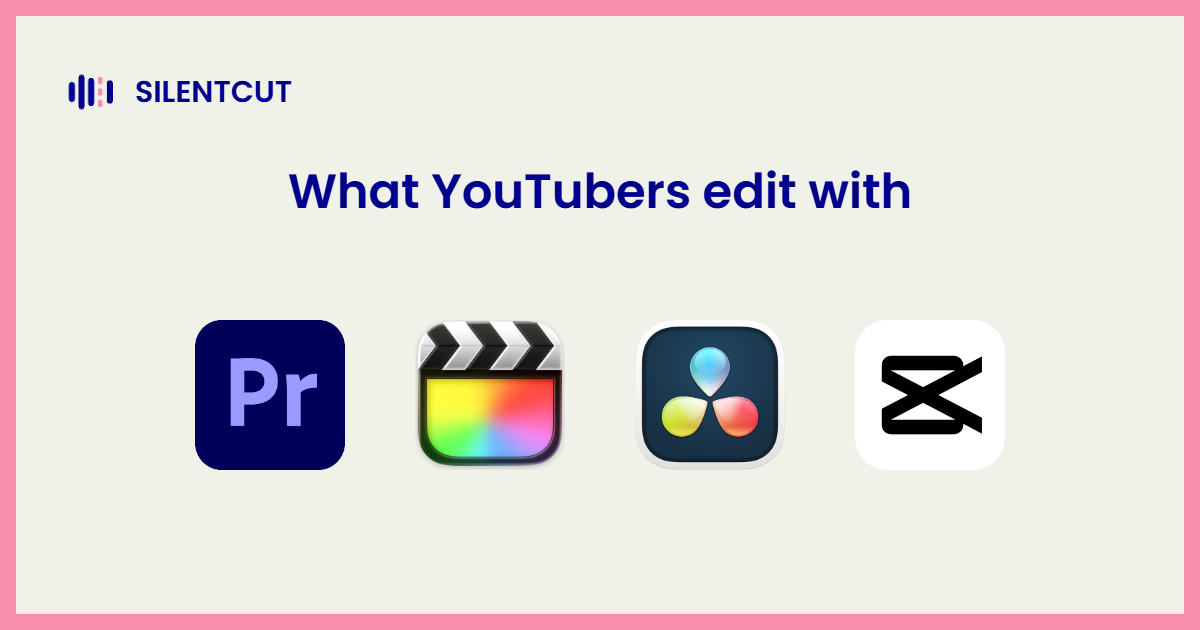
Most professional YouTubers cut in Premiere Pro, Final Cut Pro and DaVinci Resolve split most of the rest, and CapCut owns the Shorts-native end. That's the short answer, and it hides the useful one, because what a YouTuber uses depends almost entirely on what kind of channel they run. The breakdown below comes from an editor who cuts for YouTube channels professionally, over twenty million views of it, not from a survey of marketing pages.
The answer, by channel type
 Premiere Pro, the working default
Premiere Pro is what you'll find on most professional channels with an editor behind them, and on most channels big enough to hire one. The reasons are practical. It's the format collaborators exchange, After Effects sits next door for the motion graphics YouTube thumbnails-in-motion style demands, and the plugin stack around it is the deepest in the industry. When people ask what video editing software do YouTubers use, the boring statistical answer is this.
 Final Cut Pro, the solo-creator speed pick
Final Cut Pro is the Mac-only, one-time-purchase editor, and solo YouTubers who edit their own videos love it for one reason. Speed. The magnetic timeline is built for a person cutting their own footage fast, and no subscription suits a channel that hasn't monetized yet. Fewer big teams, many productive individuals.
 DaVinci Resolve, the rising one
Resolve keeps taking share for two reasons that compound. The free version is a complete professional editor, and the color tools are the industry reference, which matters more as YouTube's production quality arms race continues. Channels that grade seriously, and new creators who refuse subscriptions, both land here. Its plugin stack has caught up too.
 CapCut, the Shorts native
For Shorts-first and phone-first channels, CapCut is the honest answer, captions and vertical formats with the least friction anywhere. Its walls, a Pro tier that keeps absorbing features and projects that can't leave, are covered in our CapCut pricing breakdown. Plenty of big channels use it for Shorts alongside a real NLE for long-form.
 Movavi Video Editor, the template-driven everyday pick
If you're starting a lifestyle vlog, learning a pro timeline can wait. Movavi Video Editor is an intuitive video editor with customizable video templates, one-click AI tools, and hundreds of drag-and-drop effects. Video templates are made of short pre-edited Blocks, pieces like an intro or a collage, which you can swap, reorder, or add one by one. The interface looks simple, but the tools behind it deliver polished results.
The pass every one of them still does by hand
Here's what the software list hides. Whichever editor a YouTuber uses, the first hours of every talking video go to the same manual work. Cutting silence, pulling filler words, choosing between the four takes of the same sentence. That's the cleanup pass, and it's what SilentCut automates, with Silence Remover, Speech Cleanup and Best-Take Selector running in the browser or as panels inside Premiere Pro and DaVinci Resolve. Faster cleanup means more videos shipped, and for a channel, shipped videos are the whole game. The editors above are exactly where SilentCut runs.
Which should you pick for your channel
- You plan to hire an editor someday, or be one. Premiere Pro, because that's the industry's shared language.
- You're solo, on a Mac, editing everything yourself. Final Cut Pro, and enjoy the speed.
- You grade your footage or hate subscriptions. DaVinci Resolve, free until you outgrow free.
- Your channel is Shorts. CapCut, eyes open about the walls.
- You're after nice everyday edits, not an editing career: Movavi Video Editor, video templates and AI tools make pro-looking easy.