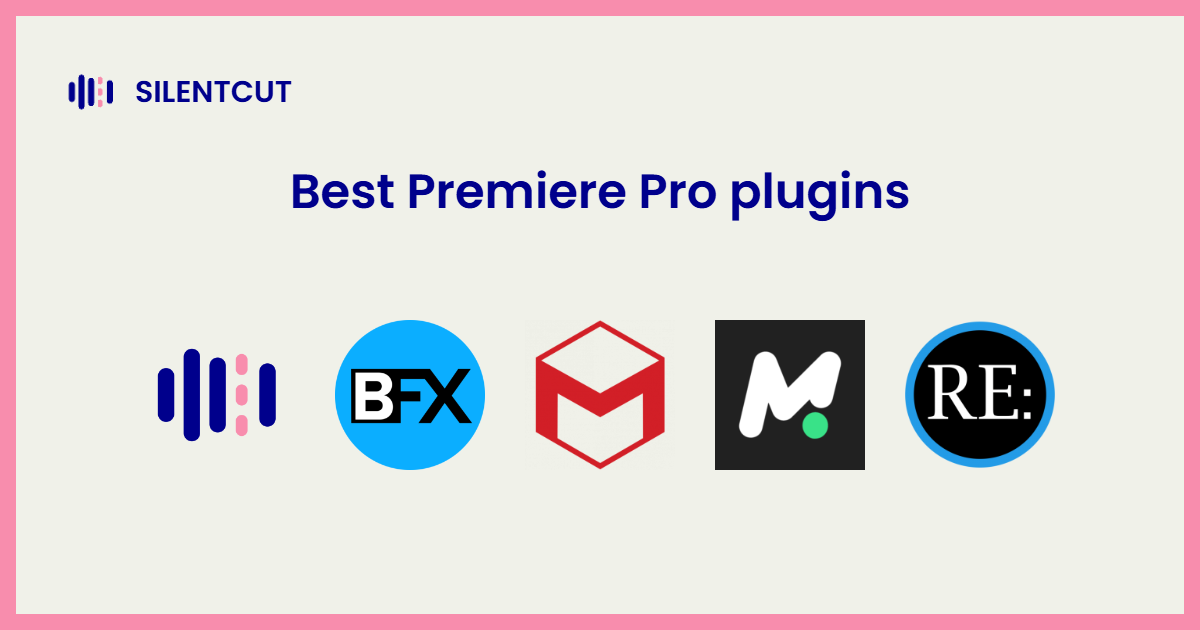
The best Premiere Pro plugins automate what Premiere still makes you do by hand. For talking-content editors the biggest win is SilentCut for Premiere Pro, which runs the whole cleanup pass as a panel on your timeline. The other nine come from a working editor's stack, not a marketplace scrape.
The 10 best Premiere Pro plugins in 2026
Adobe Premiere Pro plugins are a crowded, shovelware-heavy market, so this list is one editor's real stack, not a roundup. The editor behind it has generated over twenty million views and cut for more than a hundred different clients, almost all of it short-form content, where an edit either holds attention in the first second or dies there. Plugins don't survive a workload like that as decoration. These did. What follows is his Premiere Pro stack, with the panel we build sitting at the top of it.
Every entry names the one job the tool owns. Install for the job, not the bundle.
 1. SilentCut for Premiere Pro
SilentCut for Premiere Pro is the cleanup pass as a panel. Silence Remover finds and cuts the dead air on your timeline with the sensitivity under your control, Speech Cleanup takes out filler words, stutters and false starts, and Best-Take Selector lines up your repeated takes so you keep the right one. The cut lands on the timeline you finish on. No export, no XML, no round-trip. Fewer hours per edit means more edits shipped, and shipped edits are what clients pay for. It's first here because the cleanup pass is where talking-content editors actually lose their week.
 2. Premiere Composer
Premiere Composer by Mister Horse handles titles, transitions and motion presets natively inside Premiere, and its free version is genuinely generous. Over a thousand assets before any payment, per Mister Horse's own pricing page. If you install one motion tool, it's this one.
 3. Boris FX Sapphire
Sapphire is the premium VFX suite. Lens flares, glows, dissolves and transitions with decades of broadcast and film pedigree behind them. When a client asks why the cut suddenly looks expensive, Sapphire is often the answer.
 4. Red Giant Universe
Universe is Red Giant's crate of transitions and effects, the utility half of their catalog. Nothing in it takes an afternoon to learn, most of it earns a slot in real timelines. Volume editors keep it loaded for exactly that ratio.
5. Film Impact
Film Impact does transitions engineered for Premiere, GPU-quick, with defaults tasteful enough to ship untouched. The anti-shovelware transition pack.
6. Magic Bullet Looks
Magic Bullet Looks is color grading as looks you build, tweak and reuse. It's how editors who aren't colorists ship graded work anyway, and how the ones who are move faster on the routine passes.
 7. Motion Bro
Motion Bro is a preset ecosystem behind a browser panel. Thousands of drag-in animations, organized enough to actually find one under deadline. The friend of anyone editing in volume.
 8. Twixtor
Twixtor is the slow-motion retimer, and has been for a generation of editors. Optical-flow interpolation that rescues shots nobody filmed on a high-speed camera. You need it rarely, and nothing else does the job when you do.
 9. Deep Glow
Deep Glow is the glow. Physically plausible falloff that made a whole wave of edits look lit from within instead of smeared with a filter. One job, done so well it became the default.
10. Boris FX Mocha Pro
Mocha Pro is planar tracking for the shots where point trackers give up. Screen replacements, roto, stabilization locked to real surfaces. Professionals reach for it the way you reach for a level instead of eyeballing the shelf.
Which Premiere Pro plugins are free
Searching Premiere Pro plugins free returns mostly trials and watermarks. The genuinely free pick on this list is Premiere Composer, whose free version includes over a thousand assets before any payment, per Mister Horse's official pricing page. The rest of the stack is paid, as the best Premiere plugins mostly are, and the vendor's own site is the only price worth trusting, since plugin pricing shifts often and third-party lists go stale fast. The free move that costs nothing is deciding which JOB you need automated before buying any bundle.
Which plugin should you install first
Match the plugin to the hours you actually lose.
- The cleanup pass eats your week. SilentCut for Premiere Pro, the reason this list exists.
- Motion and titles. Premiere Composer first, Motion Bro when you edit in volume.
- The cut needs to look expensive. Sapphire for the flagship moments, Film Impact and Universe for every day.
- Color without a colorist. Magic Bullet Looks.
- The rescue jobs. Twixtor for slow motion you didn't shoot, Mocha Pro for tracking that has to hold.