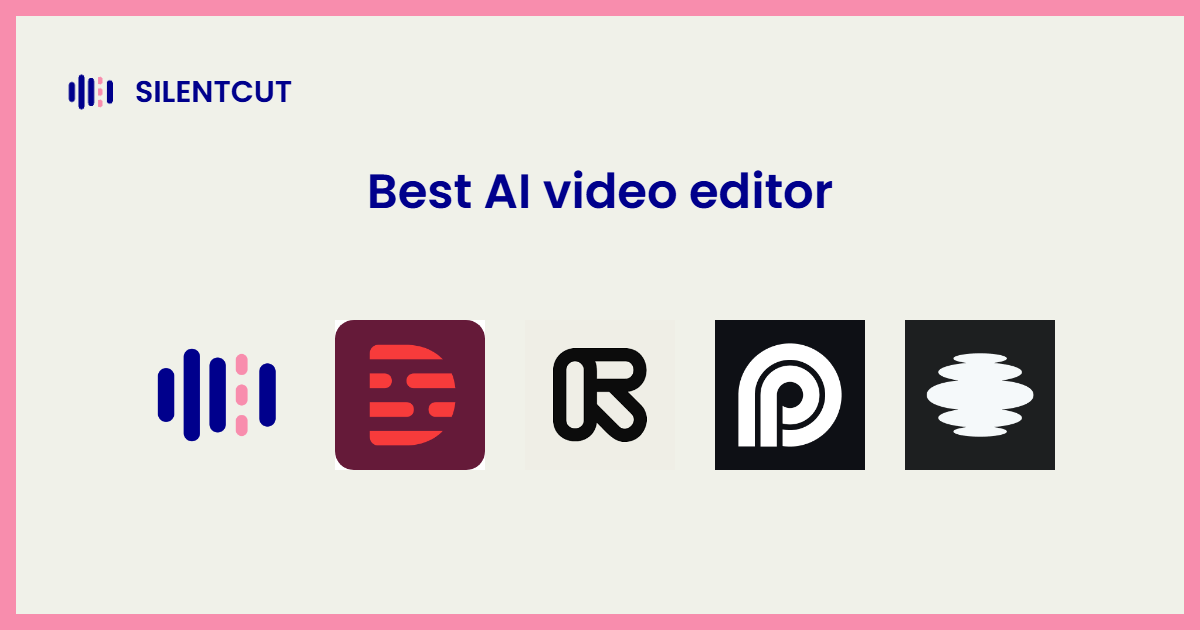
The best AI video editor is the one that automates the pass of your edit that actually eats the clock. For editors, that's the cleanup pass. Cutting silence, pulling filler words, finding the right take. SilentCut is built for exactly that job, which is why it leads this list. Every tool here is AI-native, built around the automation rather than wearing it. The traditional NLEs, Premiere Pro and DaVinci Resolve, aren't entries. They're where most of these tools deliver their output, and they come up below for exactly that reason.
Here's the short version.
| Tool | Best for | Price model |
|---|---|---|
| SilentCut | The cleanup pass: silence, fillers, retakes | Plans with AI hours included |
| Descript | Text-based editing for talking content | Media minutes plus AI credits |
| Gling | Automated rough cuts for talking heads | Subscription |
| AutoCut | Silence-cut automations inside Premiere and Resolve | Subscription |
| FireCut | Speed editing inside Premiere | Subscription or one-time |
| Timebolt | Batch silence removal on long footage | Subscription |
| Opus Clip | Turning long video into social clips | Free tier, subscription |
| Captions | AI editing for vertical talking video | Subscription |
| VEED | Browser editing and subtitles | Free tier, subscription |
| Runway | Generative video and VFX | Credit-based subscription |
What counts as an AI video editor in 2026
"AI video editor" means two different products in 2026, and most lists of the best AI video editing tools quietly mix them. Generators like Runway, Kling, Luma and Pika create footage from a prompt. Editors clean up and assemble footage you actually shot. Spend ten minutes in the Reddit threads on this exact question and the pattern jumps out. People rave about a generated clip, then still pull it into a real editor for captions, pacing and the final cut. Generation and production are separate jobs.
There's a third thing the round-ups of the best AI video editing software in 2026 love to pad with. Traditional NLEs that added AI features. Premiere Pro and DaVinci Resolve both transcribe and cut by transcript now, and both are excellent, but calling them AI video editors is like calling a truck a winch because one is bolted to the front. This list ranks the tools built around the automation, one generator included because there's a real chance it's what you searched for.
The 10 best AI video editors in 2026
Every entry below names the one job the tool is best at, because that's how you should pick. Nobody needs ten editors.
 1. SilentCut
SilentCut (silentcut.ai) is the only tool here built around the whole cleanup pass instead of one slice of it. Silence Remover cuts the dead air with the sensitivity under your control. Speech Cleanup takes out filler words, stutters and false starts. Best-Take Selector lines up the four versions of the sentence you flubbed and keeps the one that worked. Underneath them sits your Dead Air Ratio (DAR), the percentage of your runtime that is silence, which turns invisible cleanup work into a number you can watch drop.
It runs where editors finish. SilentCut Studio in the browser, and SilentCut for Premiere Pro and SilentCut for DaVinci Resolve as panels inside the editors themselves, so the rough pass lands on your real timeline. It's first on this list because the cleanup pass is the job most of the tools below automate one piece of.
 2. Descript
Descript is still the reference for text-based editing. Delete a sentence from the transcript and the footage follows. For short talking-head content made by people who don't edit for a living, it remains one of the fastest routes to a clean cut. Its 2025 switch to media minutes and metered AI credits sent a lot of its base shopping, though, and the pro-workflow edges are rough. We wrote up the full Descript alternatives breakdown if that's your situation.
 3. Gling
Gling does one job. Feed it talking-head footage and get back a rough cut with the silences and bad takes already gone, then export to your NLE or finish in its editor. Solo YouTube is its lane. Interviews with crosstalk are not.
 4. AutoCut
AutoCut lives inside Premiere Pro and DaVinci Resolve as a plugin and automates the silence cut right on your timeline, with podcast and zoom automations around it. Editors like it for the same reason SilentCut's panels exist. The cleanup belongs where you finish. The difference is scope. AutoCut is a set of cut automations, where SilentCut treats silence, fillers and takes as one pass.
 5. FireCut
FireCut is the Premiere-only speed editor. Silence cuts, captions and punch-ins from one panel, tuned for fast turnarounds. If your whole week is Premiere, it earns its keep quickly.
 6. Timebolt
Timebolt batch-processes the silence out of hours of footage, and course creators swear by it for exactly that. Utilitarian to look at, quick to pay for itself, less finesse about what it keeps. When the job is volume, finesse isn't the point.
 7. Opus Clip
Opus Clip isn't where you edit, it's where a long video becomes thirty short ones. It finds the hooky moments, crops to vertical, captions them and scores them. Repurposing, not production. Pair it with a real editor rather than instead of one.
 8. Captions
Captions started as an auto-caption app and grew into an AI editor for talking video, eye contact correction included. Phone-first DNA, strongest for creators publishing vertical every day. If you're hunting for the best AI video editing software for beginners on a phone, it's this or Filmora below.
 9. VEED
VEED is editing in a browser tab, and its auto-subtitles are among the most accurate anywhere. Teams like that sharing a project is sharing a link. Long-form and multi-track work will feel cramped.
 10. Runway
Runway is the generation half of this list. Text to video, generative VFX, inpainting, the tools that make footage that never existed. Genuinely impressive, and it is not where you'll cut your podcast. Generate here, edit somewhere above.
Free AI video editing tools
Free thins out fast in the AI-native lane. VEED and Opus Clip run usable free tiers until their export limits push serious use toward a plan, and Gling charges after a trial. The honest budget answer is still the general-purpose pair. CapCut's core editor and DaVinci Resolve's free version aren't AI-native, but they're genuinely free, and Resolve's is a complete professional editor rather than a trial. Any best AI video editing software 2026 round-up promising more free than that is padding with trials.
Which AI video editor should you pick
Match the tool to the job that actually eats your week. The list above is the best AI video editing tools 2026 has produced, and every one of them owns exactly one job.
- The cleanup pass. SilentCut. AutoCut and FireCut automate pieces of it inside Premiere today; SilentCut treats it as one job, on the same timelines.
- Text-based editing. Descript, if your content is talking and your editing is light.
- Volume. Timebolt for batch silence removal, Gling for solo rough cuts, Opus Clip for turning long into short.
- Vertical-first. Captions for daily talking clips, VEED in the browser.
- Making footage from nothing. Runway, then bring it back to an editor.
- Finishing. Not on this list on purpose. Premiere Pro and DaVinci Resolve are where edits finish, and the best AI tools hand off to them instead of replacing them.
Every general-purpose editor treats the cleanup pass as one feature on a long menu, and most AI tools automate one slice of it. If that pass is the reason your edits run long, purpose-built beats piecemeal.