What AI podcast editing actually automates
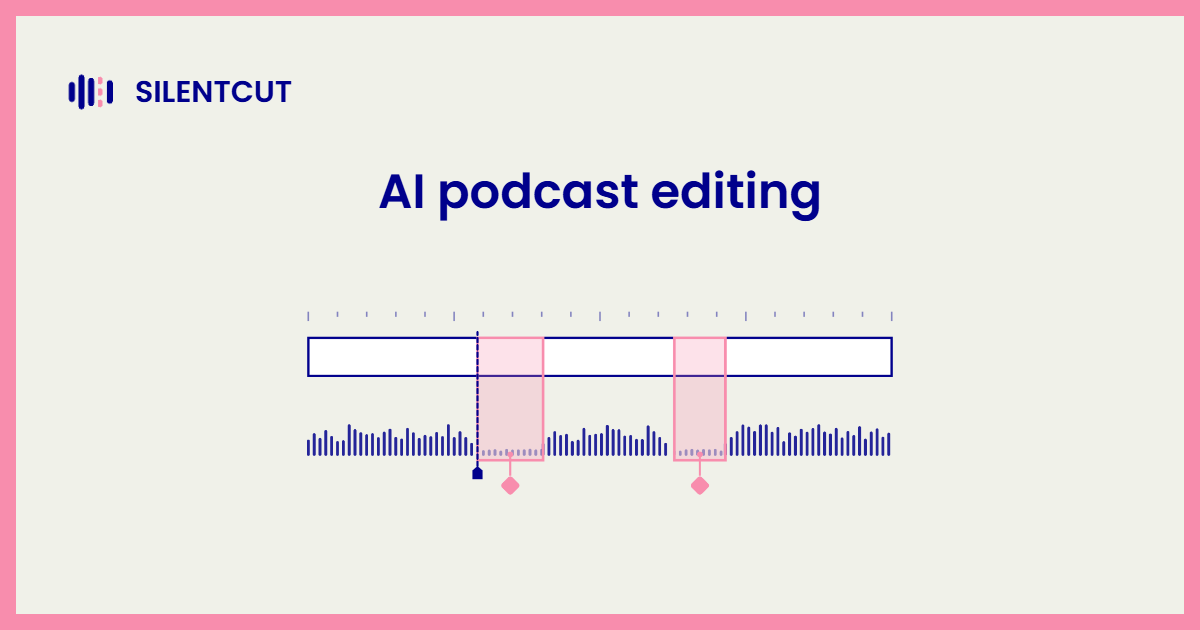
AI podcast editing automates the cleanup pass. Silence, filler words, retakes and loudness, the four jobs that eat an evening per episode.
Anyone who's cut the breaths out of a 90-minute conversation knows the arithmetic. Hundreds of pauses, hundreds of tiny razor cuts, every single week. Silence Remover runs that pass automatically, and the sensitivity and minimum gap length stay under your control, so a thinking pause you left on purpose survives. Speech Cleanup goes after what a silence pass can't hear. The ums, the stutters, the false starts, the sentence your guest abandoned halfway through. And Best-Take Selector lines up the four versions of your intro so you keep one and drop the rest.
Loudness is the quieter half of the job. Apple's own audio requirements recommend an overall loudness around -16 dB LKFS with a one-decibel tolerance, and most AI podcast editing software normalizes to a target like that automatically. Good. Nobody should be chasing a loudness meter by hand in 2026.
Why podcasts get the biggest wins from AI
The longer and less scripted the recording, the more an automatic pass saves, and podcasts are the longest, least scripted format there is.
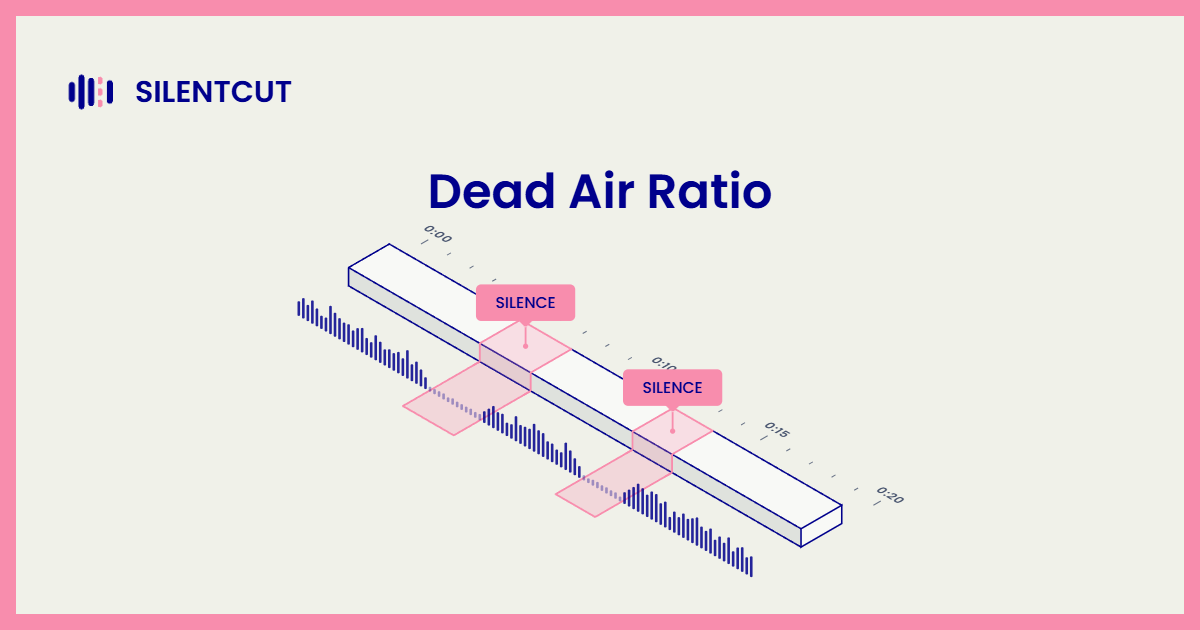
Dead Air Ratio (DAR) is the percentage of a recording's runtime that is silence. A tight scripted short barely registers one. An unscripted two-hour conversation is another animal entirely. Every pause for thought, every glance at the notes, every sip of coffee lands in the file, and across a weekly show that compounds into hours of runtime nobody asked for.
How to choose an AI podcast editor
The best AI podcast editor fixes your cleanup pass without taking over the rest of your workflow.
Search for AI podcast editing software and the results split into two camps. However you phrase the search, podcast editing AI, AI audio cleanup, the split is the same. One camp wants to be your whole studio. You record in it, edit in it, publish from it, and the AI lives inside a workflow you adopt wholesale. The other camp does one job well and hands the result back to the tools you already use. Both are legitimate. Starting a show from zero, an all-in-one studio is a fine first home. But if you already trust your recording setup and finish in a real editor, switching studios to reach one cleanup feature is backwards. Keep the workflow. Add the pass.
What AI podcast editing can't do
No automatic pass makes the creative calls. Which tangent gets killed, where the cold open starts, whether the argument in minute forty is the episode's actual heart. That's editing, and it stays human. The honest limit inside the cleanup itself is intent. A machine can't always tell a dramatic pause from dead air, which is why adjustable sensitivity and a review step beat raw magic every time. Treat the AI as the assistant that does the boring 80 percent, then spend the evening it hands back on the 20 percent listeners actually notice.
Editing a video podcast
A video podcast needs a podcast video editor, a tool that makes every cut through picture and sound together.
Podcasting stopped being an audio-only format. YouTube counts more than a billion monthly viewers of podcast content, which makes the world's biggest video site also its biggest podcast platform. That changes the editing job in one specific way. Cut a silence out of the audio alone and the picture drifts out of sync by exactly that much, multiplied by every one of the hundreds of cuts in an episode. So an AI podcast video editor has to cut both tracks at once, frame-accurately, every time. This is exactly how SilentCut (silentcut.ai) works. The silence pass and the filler pass land as real cuts on the actual footage, so the version you upload to YouTube is the version the AI tightened, picture and all.
The podcast plugin route
A podcast plugin runs the automatic pass inside the editor you already finish in, which kills the export-and-rebuild round trip.
Plenty of podcasters run an AI pass in one app, export the result, then rebuild the cut in their editor. The threads about leaving text-based editors are full of exactly that dance. A plugin skips it. SilentCut for Premiere Pro and SilentCut for DaVinci Resolve run Silence Remover and Speech Cleanup as panels inside the two editors, so the cuts land on your own timeline as normal cuts you can nudge, and anything the pass was less sure about waits in a Review List for a human ear. SilentCut Studio runs the same pass in the browser for episodes that never need an NLE at all.
When to choose SilentCut
- Your show runs long and unscripted, and cleanup eats the biggest share of your edit.
- You publish video podcasts and need the picture cut with the sound, in sync.
- You finish in Premiere Pro or DaVinci Resolve and want the cuts on your own timeline, not in an export you rebuild.